Project 02 · 2026
CAN-Bus Sniffer and RPM Decoding
A toolset that listens to a vehicle's CAN traffic through the OBD-II port and reverse-engineers the manufacturer-specific engine RPM signal.
02.1Summary
Inside a vehicle, control units talk to each other over a CAN bus. Standard OBD-II queries return some values, but manufacturers broadcast most of the real data in their own messages, and the meaning of those messages is undocumented.
In this project I connected to the OBD-II port of a Toyota Hilux in listen-only mode, logged raw frames and compared recordings taken at different engine speeds to find the RPM signal: CAN ID 0x2C4, first two bytes big-endian, scale ×0.8. I then wrote a tachometer app that shows this signal live.
02.2Block diagram
02.3Specifications
| Adapter | CANable V2.1 (stok SLCAN firmware) |
|---|---|
| Mode | M1 silent / listen-only: no frames are transmitted |
| Bitrate | 500 kbit/s (250 kbit/s selectable) |
| Wiring | CANH → OBD pin 6 · CANL → pin 14 · GND → pin 4/5 |
| Termination | Off: the vehicle bus is already terminated |
| Log format | CSV (session_id, timestamp, can_id, data_hex, raw_line) |
| Decoded signal | 0x2C4 · D0–D1 big-endian · RPM = raw × 0.8 |
02.4Method
To find the RPM signal I took three short recordings with the vehicle stationary, in neutral, handbrake on: idle, 1500 and 2500 rpm. The actual engine speed read from the cluster or a diagnostic tool was used as reference for each.
python3 canable_logger.py --duration 15 --output data/rpm_idle.csv
python3 canable_logger.py --duration 15 --output data/rpm_1500.csv
python3 canable_logger.py --duration 15 --output data/rpm_2500.csv

python3 rpm_analyzer.py calibrate \
  --sample data/rpm_idle.csv=750 \
  --sample data/rpm_1500.csv=1500 \
  --sample data/rpm_2500.csv=2500
rpm_analyzer.py scans candidate 16-bit fields (start byte, endianness) for every CAN ID and ranks the candidate that gives the most consistent linear fit (scale, offset) against the reference speeds. If the log contains a standard OBD reply 41 0C A B, the formula ((A × 256) + B) / 4 is used directly.
02.5Software
canable_logger.py | Shows raw frames live and appends them to CSV. Each run creates a new session id. |
|---|---|
rpm_analyzer.py | Scans logs, ranks RPM candidates and calibrates them. |
rpm_live.py | Prints only the engine speed in the terminal. |
rpm_gauge.py | Analog/digital tachometer. Scale is adjustable live; recorded CSVs can be replayed. |
| CANalyzer | A SavvyCAN-like general analyzer: live/trace views, DBC decoding, filters, plots, periodic transmit, CSV/ASC/JSON logs. |
Sample terminal output:
1.242s RPM: 768.0 raw: 03 C0 00 00 00 00 00 00CANalyzer's Dashboard tab combines the tachometer, the throttle pedal signal and a virtual throttle pedal for bench testing:
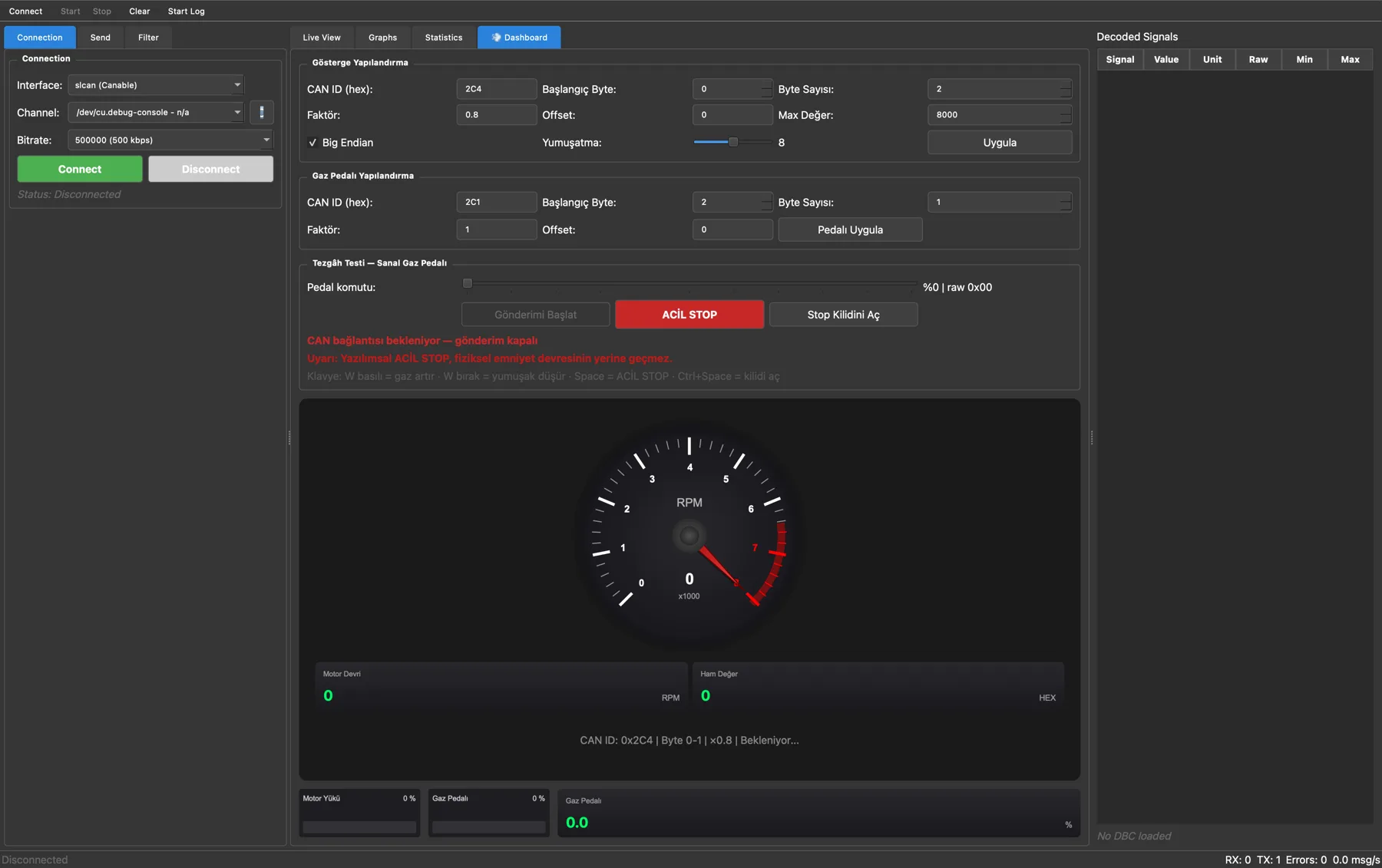
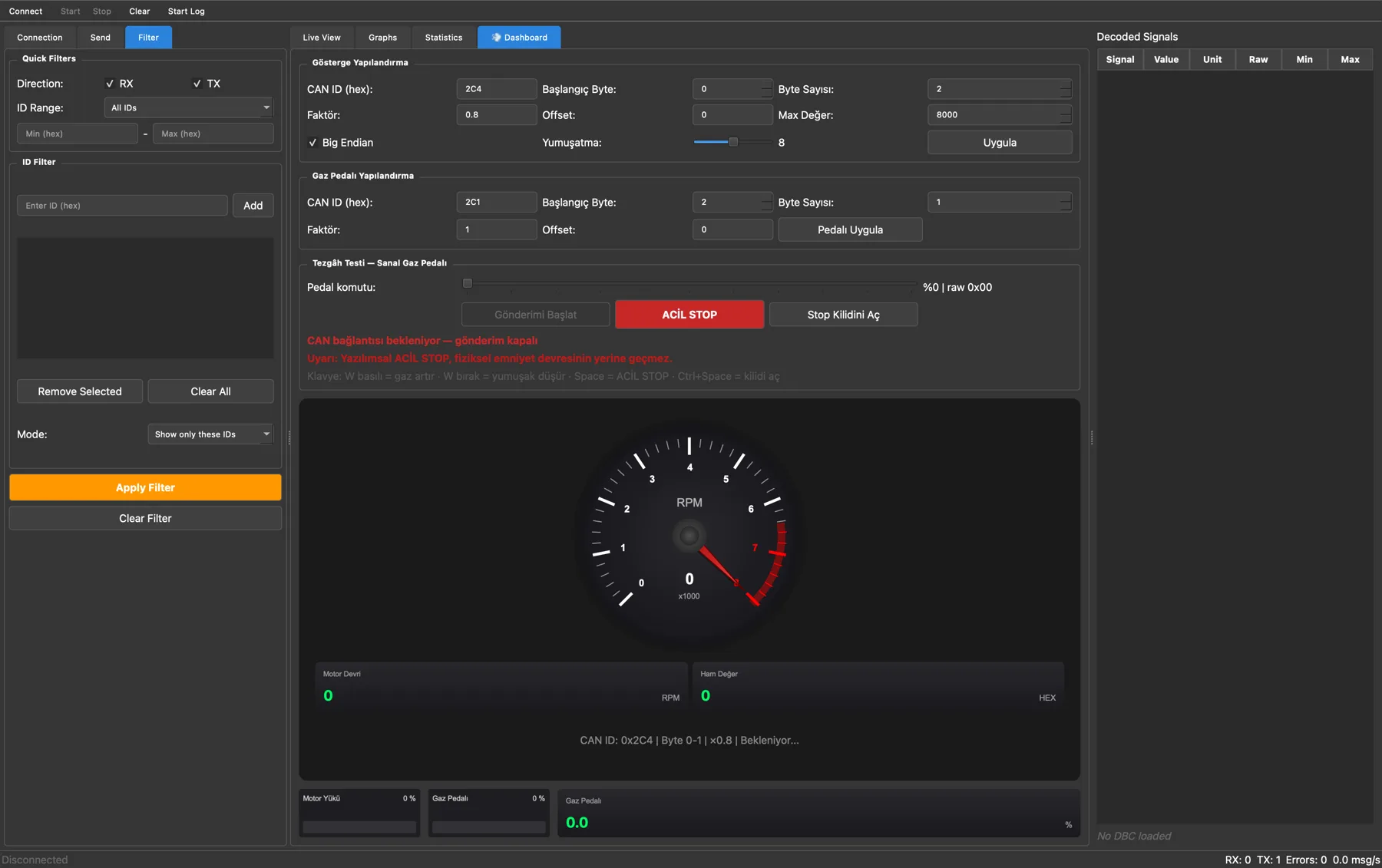
0x2C1 frames every 32 ms with the virtual throttle pedal.02.6Results and lessons
- The manufacturer broadcast (
0x2C4) arrives continuously, so it suits live monitoring better than OBD polling: no request ever has to be sent on the bus. - Safety first when connecting to a vehicle: the adapter opens in listen-only mode, and neither its 5V output nor its termination resistor is used.
- If there is a gateway behind the OBD port, some in-vehicle networks may not be visible, so the first step is always to log what is actually there.